Finding Open Source Projects
AtomGit is a platform that gathers a large number of open source projects, where users can share, discover, and participate in various open source projects. The following will introduce several methods for finding open source projects on AtomGit, helping you efficiently find projects that match your interests and needs.
Finding Open Source Projects
AtomGit provides multiple ways to help users find interesting open source projects, making it easier for developers to participate, learn, or use them. Here are several methods for effectively finding open source projects on AtomGit:
1. Use Keyword Search
-
Click the search box at the top of the homepage and enter keywords, such as "HarmonyOS," "embedded systems," "data analysis," etc.

-
After entering the keywords, click the search icon directly or press Enter.
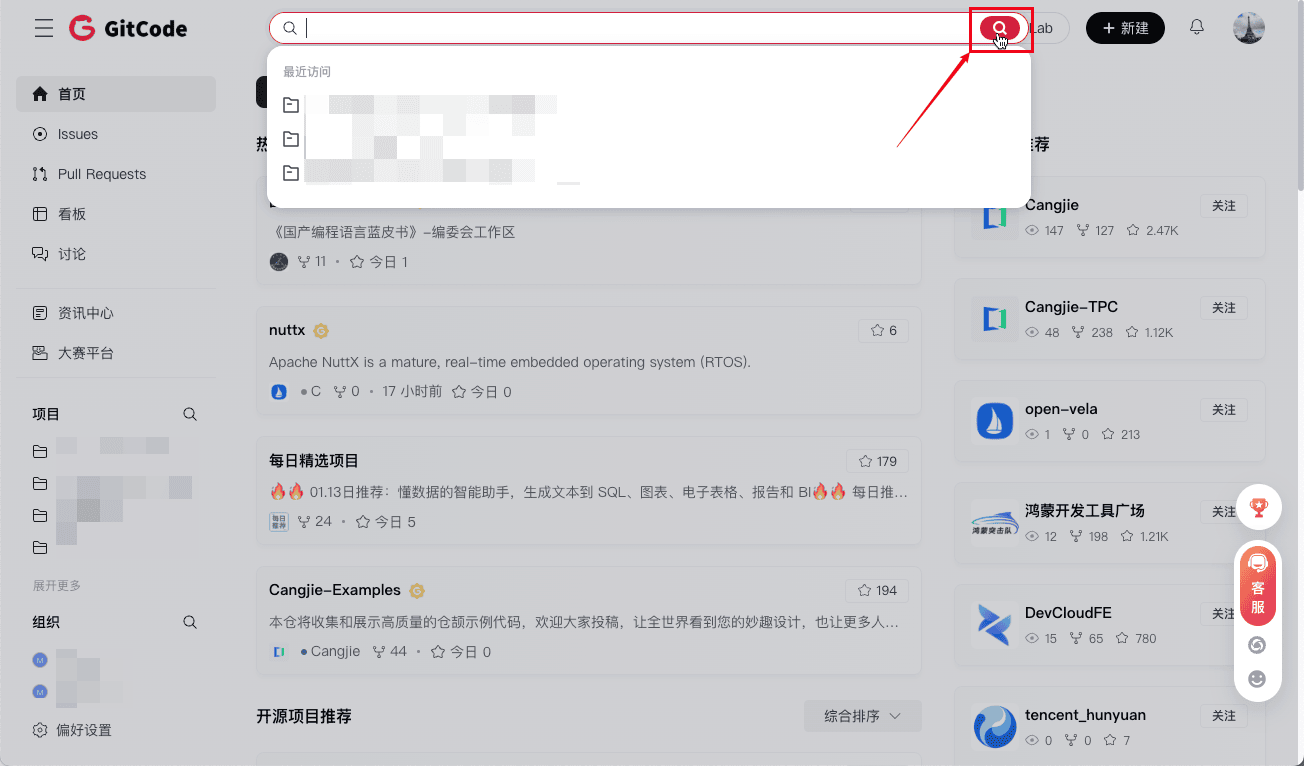
Try combining different keywords to get more accurate results. For example, "Python data analysis" can help you find relevant projects that use Python for data analysis.
2. Use the Tab Bar on the Homepage for Filtering
-
Look at the tab bar at the top of the page, which usually has multiple categories. Click different tab options to filter according to your needs.

3. Search in Open Source Organizations
-
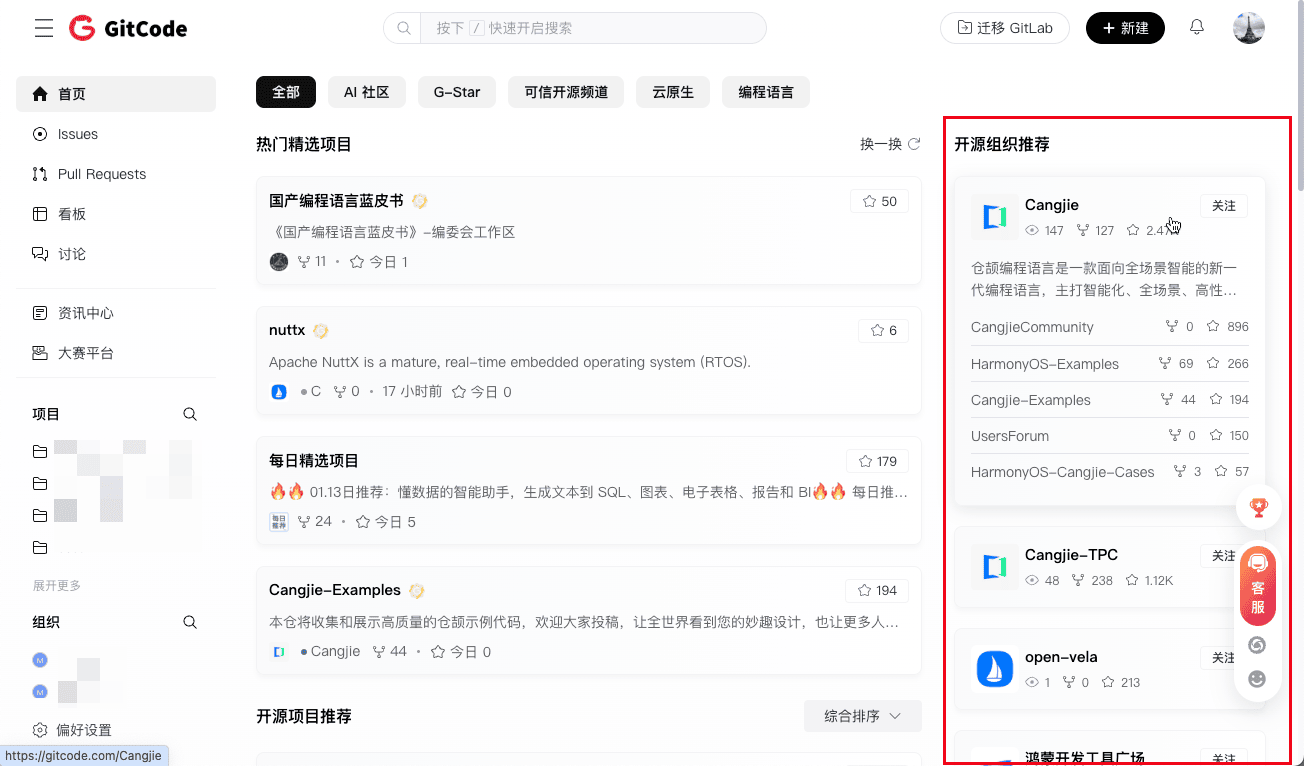
Look for interested organizations in the open source organization recommendation column on the right side of the homepage.
-
Visit the organization's homepage to view its list of all maintained projects.